



Details
The Odoo Magento Integration enables smooth synchronization of products, categories, attributes, customers, orders, shipments, invoices and Credit memos between Magento (eCommerce) and Odoo (ERP), ensuring consistent and up-to-date data across both platforms.
Features
- Product Synchronization:
- Automatically sync product data (name, descriptions, images, prices, etc.) from Odoo to Magento
- Support for configurable, simple, bundle products etc.
- Category Synchronization:
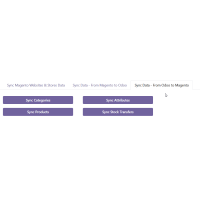
- Sync product categories from Odoo to Magento.
- Ensure consistency by seamlessly transferring product categories from Odoo to Magento.
- Stock Synchronization:
- All product stock levels from Odoo are synchronized into Magento’s default source to ensure consistent availability for online sales.
- Warehouse & Fulfilment: Warehouse allocation, order routing, and shipment fulfilment are managed in Odoo, ensuring accurate inventory distribution across multiple warehouses.
- Real-time inventory updates between Odoo and Magento to prevent stock discrepancies.
- Note: Odoo fully supports managing multiple warehouses and stock locations. However, Magento’s native Multi-Source Inventory (MSI) is not directly mapped in the connector. All stock updates are consolidated into the default source, while Odoo handles the actual multi-warehouse logic.
- Attribute Sync:
- Sync product attributes from Odoo to Magento for uniform attribute details.
- Note: Radio buttons and multi-checkboxes are considered custom options in Magento, not attributes.
- Order Status Sync:
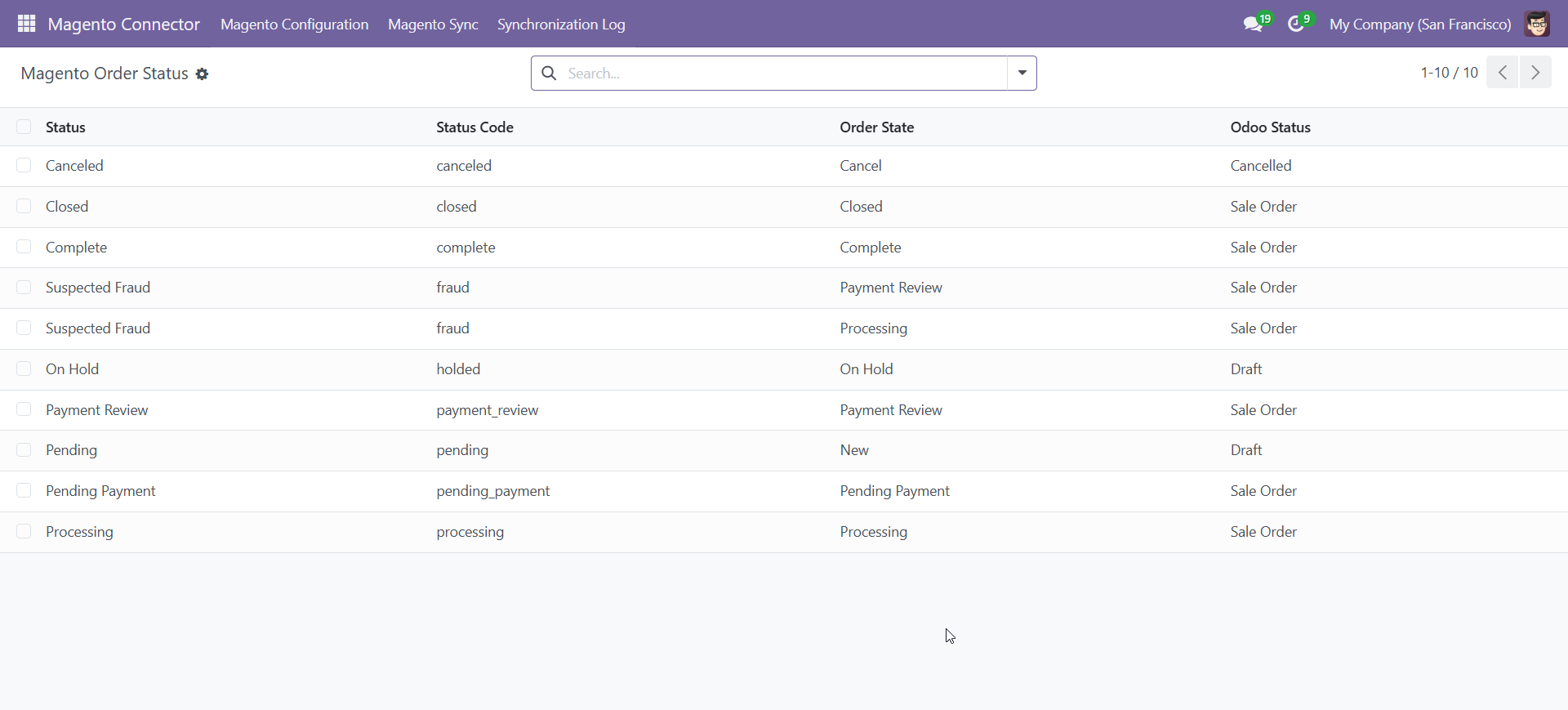
- Keep order statuses updated, including fulfilment, payment, and shipping details.
- Tier Pricing Synchronization:
- Create and manage tier pricing in Odoo using Pricelists and Pricelist Items.
- Sync Odoo Pricelists and their quantity-based price rules to Magento as tier prices for each product.
- Automatically update Magento tier prices whenever corresponding Pricelist Items are modified in Odoo.
- Prevent duplicate tier pricing entries by validating product, quantity, and customer group combinations before syncing.
- Maintain consistent and accurate tier pricing across both platforms duringproduct sales.
- Order Invoice and Credit Memo Synchronization:
- Import Magento orders into Odoo in real-time.
- Sync order status updates from Odoo to Magento.
- Maintain order history and transaction details.
- Synchronize invoices and credit memos.
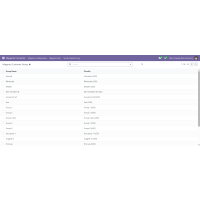
- Customer Group Sync
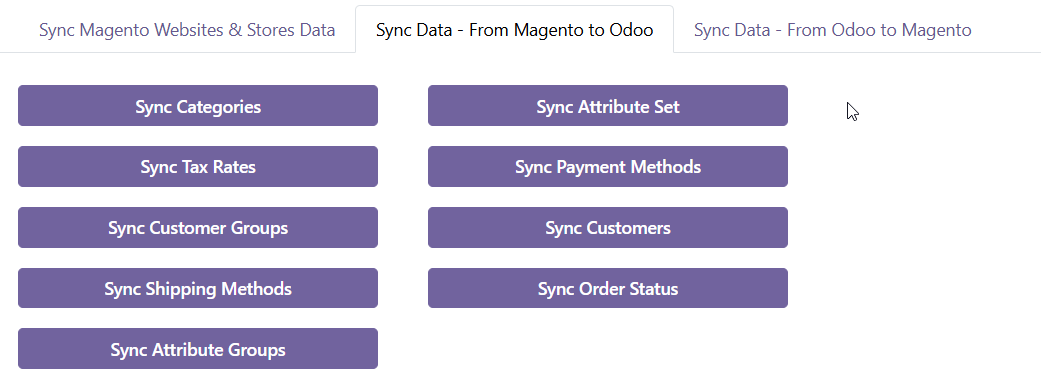
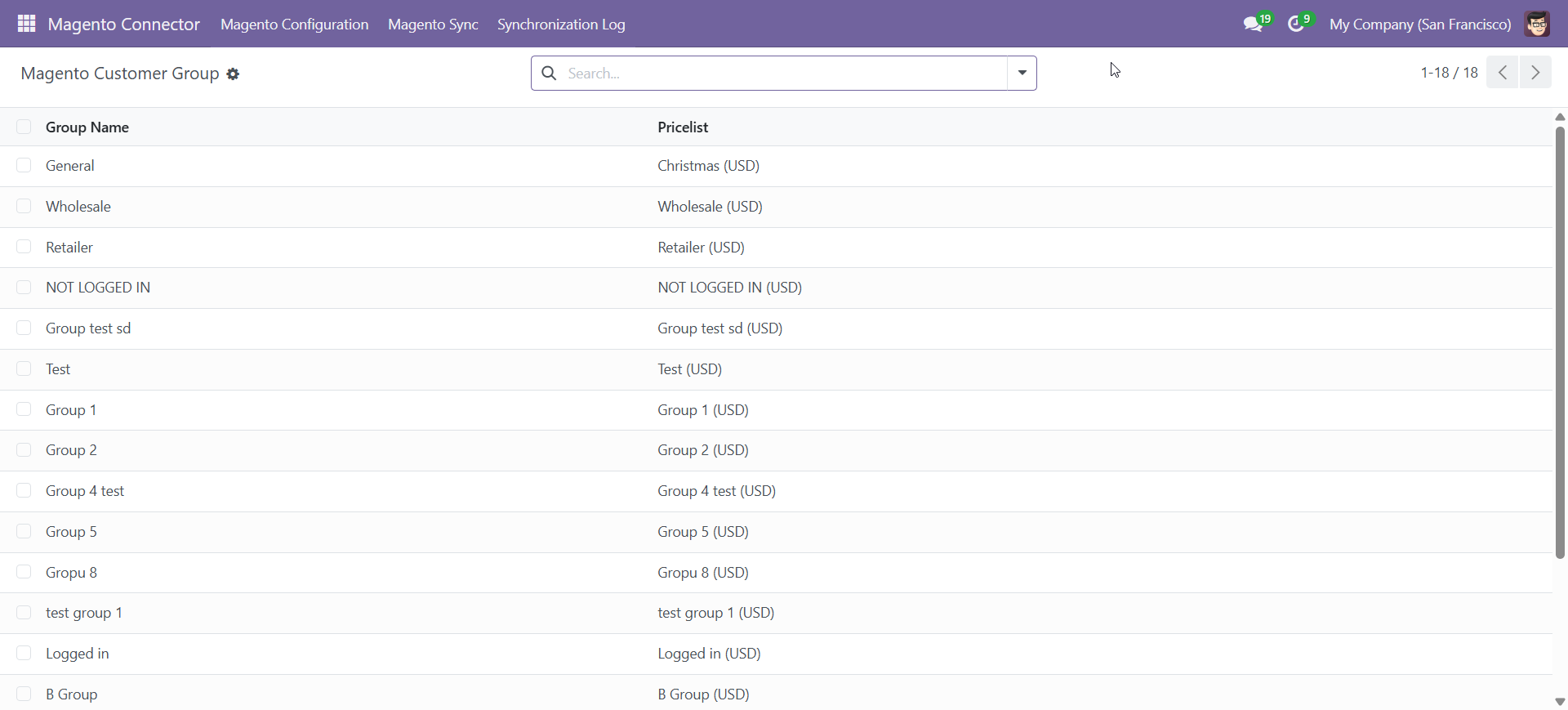
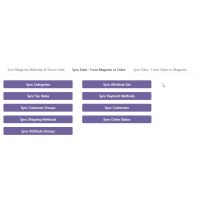
- Sync customer group details from Magento to Odoo
- Update customer group information in Odoo when changes are made in Magento.
- Create corresponding Pricelists in Odoo automatically when a customer group is synced.
- Customer Data Sync
- Sync customer details (name, email, shipping address) from Magento to Odoo.
- Automatically assign customers to the correct customer group during synchronization.
- Maintain customer address information.
- Prevent duplicate customer records with unique identifiers.
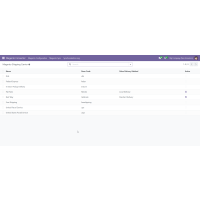
- Payment Method Synchronization
- Sync payment methods from Magento to Odoo.
- Map payment transactions and reconcile financial records.
- Shipping Method Synchronization
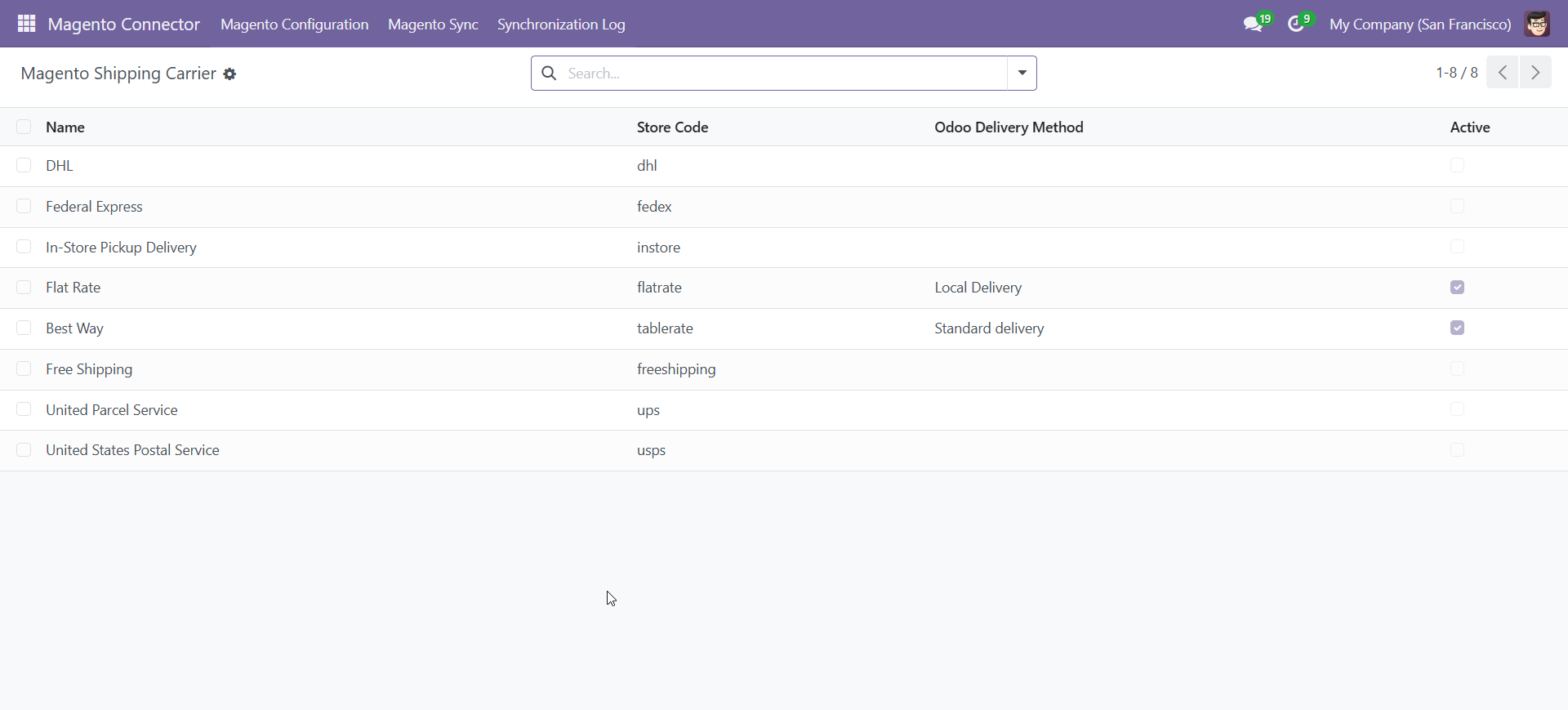
- Sync shipping methods and carriers from Magento to Odoo.
- Maintain tracking details and shipping rates.
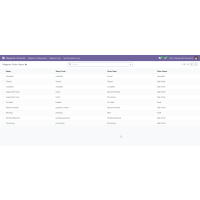
- Synchronization Logs
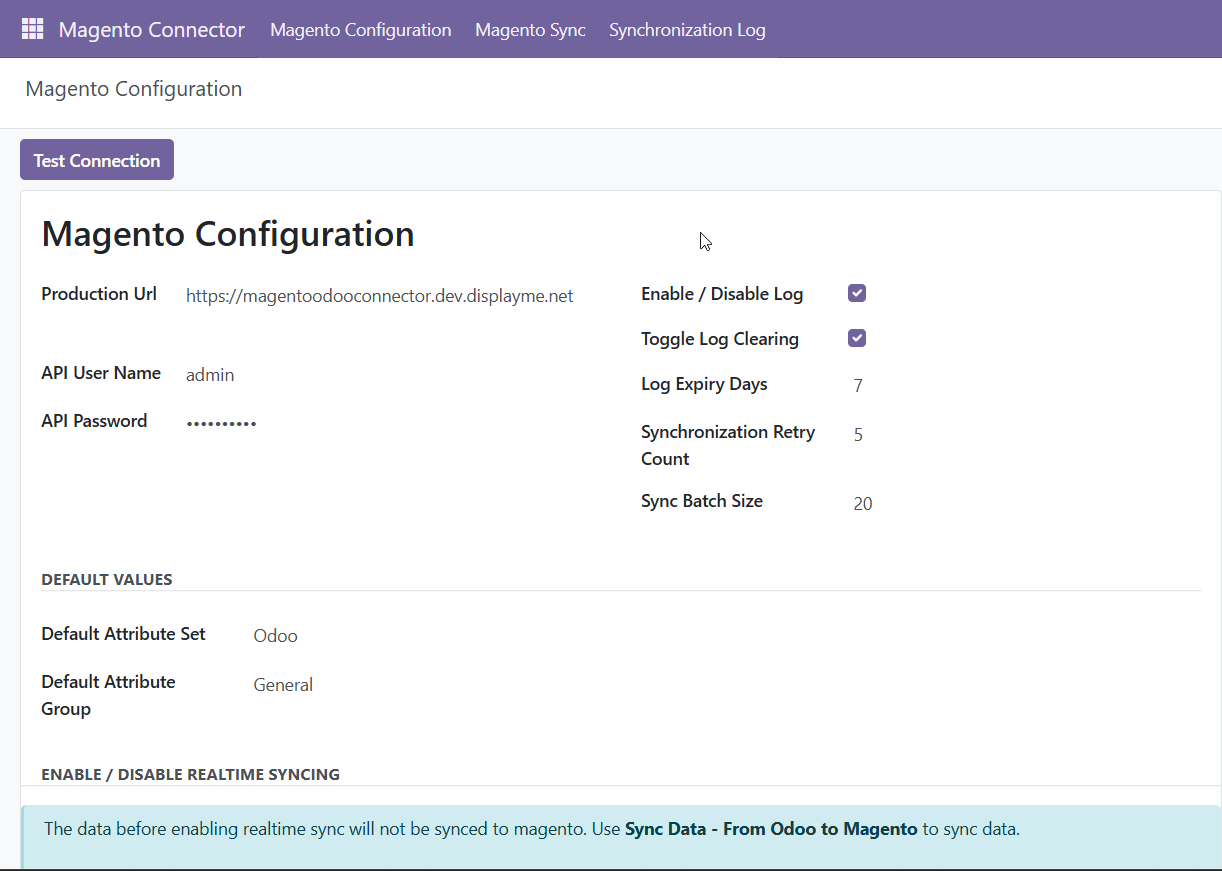
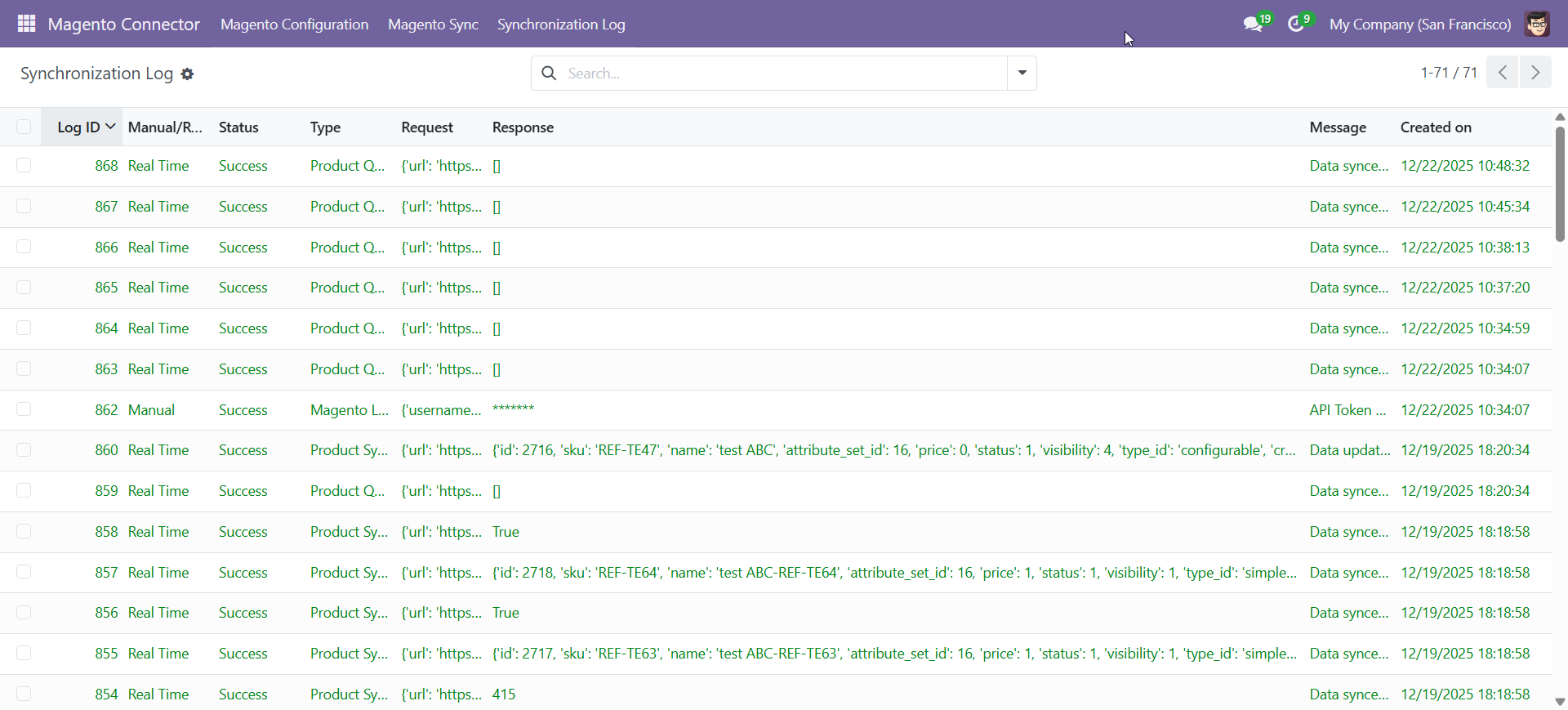
- Maintain detailed logs of all synchronization activities.
- Track successful and failed synchronization attempts.
- Error logging with descriptive failure messages.
- Timestamped records for tracking sync history.
- Filter logs by entity type (products, categories, orders…).
- In Magento, even if a sync log fails, the cron runs every minute and will retry the synchronization based on the configured retry count.
- Seamless Integration:
- User-friendly interface for easy integration without requiring advanced technical skills.
- Real-Time Sync:
- Instant updates across both platforms to maintain accurate and consistent data.
- Automated Updates:
- Changes to products, categories, or attributes in Odoo are automatically pushed to Magento, reducing manual effort.
Advantages
- Improved Efficiency:
- Automates manual processes, reducing errors and increasing operational efficiency.
- Consistent Data Across Systems:
- Ensures product, stock, customer, and order data remain uniform across Odoo and Magento.
- Better Inventory Management:
- Real-time stock updates prevent overselling and display accurate inventory levels.
- Time and Cost Savings:
- Eliminates manual data entry, saving time and labour costs.
- Enhanced Customer Experience:
- Accurate product and order details lead to a smoother shopping experience.
- Centralized Management:
- Odoo serves as a central hub for managing products, orders, stock, and customers.
- Faster Order Processing:
- Orders from Magento sync directly to Odoo, streamlining fulfilment and processing.
- Minimized Risk of Data Inconsistencies:
- Reduces errors from manual data entry, ensuring data is always up to date.
- Easy Integration and Maintenance:
- Simple setup and minimal maintenance make it accessible for non-technical users.
- Better Reporting and Analytics:
- Synchronization of order and customer data enables improved insights and reporting.
Important Notes
- No Retry for Deletion Sync.
- Mass Deletion Sync Not Supported.
- Odoo only supports "Tax After Discount". Configure Magento the same way to ensure accurate tax syncing.
- Shipment syncing is only from Odoo to Magento.
- MSI and multi-warehouse setups are not supported; only the default source and single warehouse are used for product and inventory sync between Magento and Odoo.
Total Downloads
3
Compatible With
Odoo v18.0 Community Edition and Magento Open Source (CE) 2.4.7
User Manuals


Version 1.1.0: December 2025
- Multi-Warehouse Stock Synchronization: Added support for synchronizing combined stock quantities from multiple Odoo warehouses to Magento’s default stock source.
- Retry Handling for Deleted Records: Deleted products, categories, and attributes are now automatically retried via CRON when real-time sync is disabled. The same retry logic is also applied during Mass Sync.
- Customer Group Synchronization: Enabled automatic synchronization of customer groups from Magento to Odoo, supporting real-time sync with fallback handling via CRON and Mass Sync initiated from Odoo.
- Tier Pricing Synchronization: Implemented tier price creation in Magento based on Odoo Pricelists.
- Manual Synchronization Enhancements: Added support for manual synchronization by selecting multiple products, categories, and attributes.
Version 1.0.0: July 2025
- Initial release