


Details
The Portal Event Tickets Management is an Odoo module that extends the customer portal to provide event attendees with a self-service interface for managing their event tickets. Portal users can view, filter, sort, search, download, and communicate about their event tickets - all without requiring backend access.
| Role | Access |
| Portal User | View and manage only their own event tickets |
| Admin | View all event tickets and attendees across all users |
Features
- • Portal Home Card
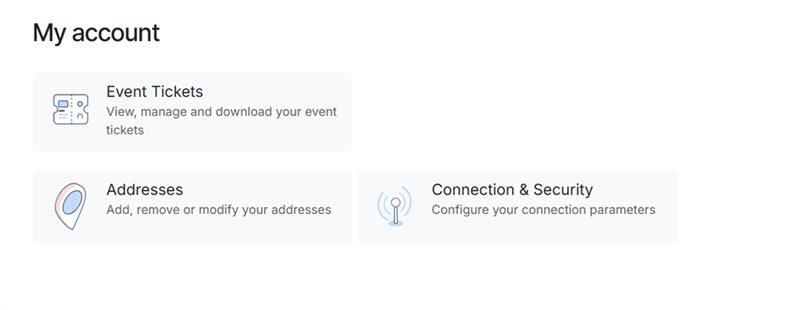
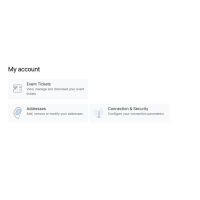
An "Event Tickets" card is added to the portal home page (/my/home) with a ticket icon showing the number of registrations. - • Ticket Listing
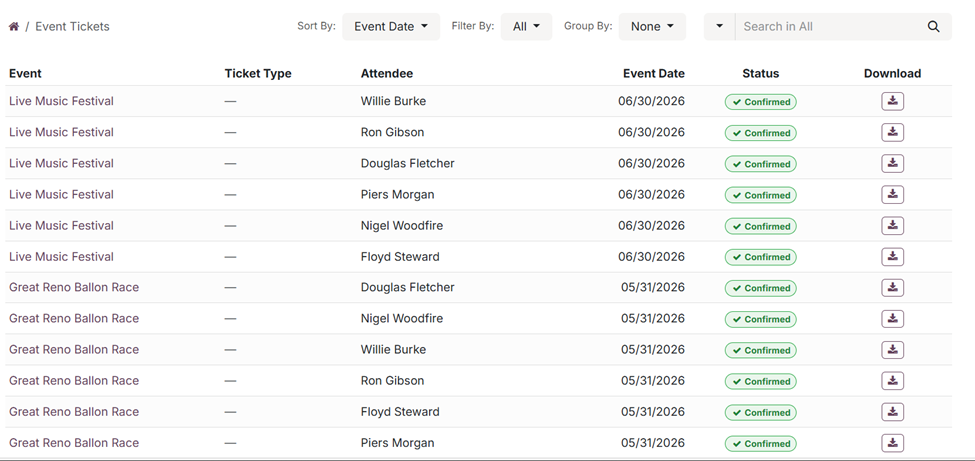
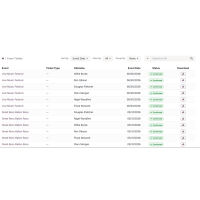
A dedicated listing page (/my/event-tickets) displays all event registrations in a table with columns: Event Name, Attendee Name, Event Date, Status, and Download. - • Sorting
Sort tickets by:- • Event Date — Newest first (default)
- • Event Name — A → Z
- • Attendee Name — A → Z
- • Status — Alphabetical
- • Filtering
Filter tickets by:- • All (default) | Upcoming | Past
- • Confirmed | Attended | Cancelled
- • Grouping
Group tickets by:- • Event — Grouped under event name headers with count badge
- • Status — Grouped under status headers (Registered, Attended, Cancelled)
- • Search
Search tickets by:- • Event Name | Attendee Name | All (both)
- • Pagination
- • 20 tickets per page
- • Pager navigation (« 1 2 3 ») at the bottom
- • Sort, filter, and search settings preserved across pages
- • Ticket Detail Page
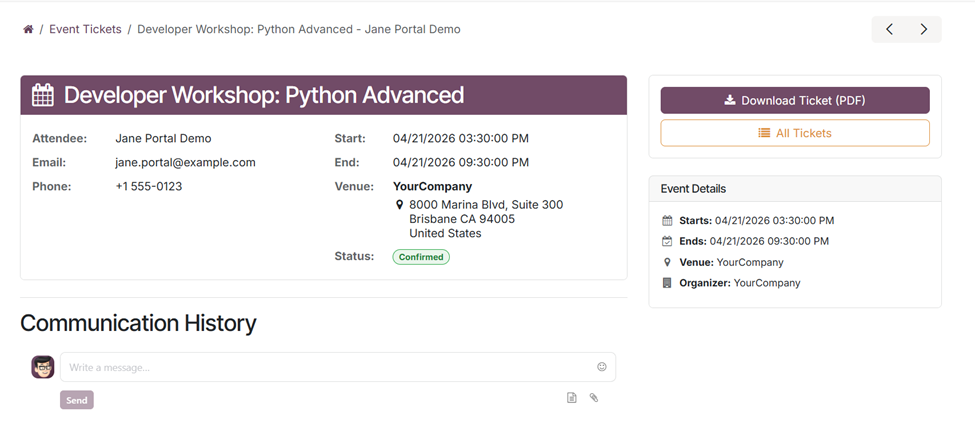
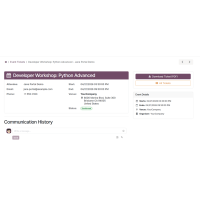
Displays complete ticket information: event name, attendee details, ticket type, event dates, venue, organizer, and status badge. Includes breadcrumb navigation and a sidebar with download button. - • PDF Ticket Download
Download event tickets as PDF with QR codes for check-in. Available from both listing and detail pages. Disabled for cancelled tickets. - • Chatter / Communication
Send messages to the event organizer directly from the ticket detail page. Messages are visible in both portal and backend. - • Attendee List (Admin Only)
Admin users can view all attendees for an event on the ticket detail page. This section is hidden for portal users.

Version: 1.0.0: March 2026
- Initial release.
What is the Portal Event Tickets Management module used for?
The Portal Event Tickets Management module provides a customer-facing portal where attendees can view, search, filter, and download their event tickets. It adds a dedicated "Event Tickets" section to the Odoo portal with full ticket management capabilities.
Can attendees download their tickets as PDF?
Yes, attendees can download their event tickets as PDF files with QR codes for check-in. The download is available from both the ticket listing page and the ticket detail page. Downloads are disabled for cancelled tickets.
Can admin users see all attendees for an event?
Yes, event administrators can view all attendees for a specific event directly on the ticket detail page. This section is hidden for portal users to protect attendee privacy.
Can portal users communicate with the event organizer?
Yes, the ticket detail page includes a chatter section where portal users can send messages to the event organizer. Messages are visible in both the portal and the Odoo backend.
What are the technical requirements to use this module?
The module is designed for Odoo 19.0 and depends on the standard event, portal, and website_event modules.