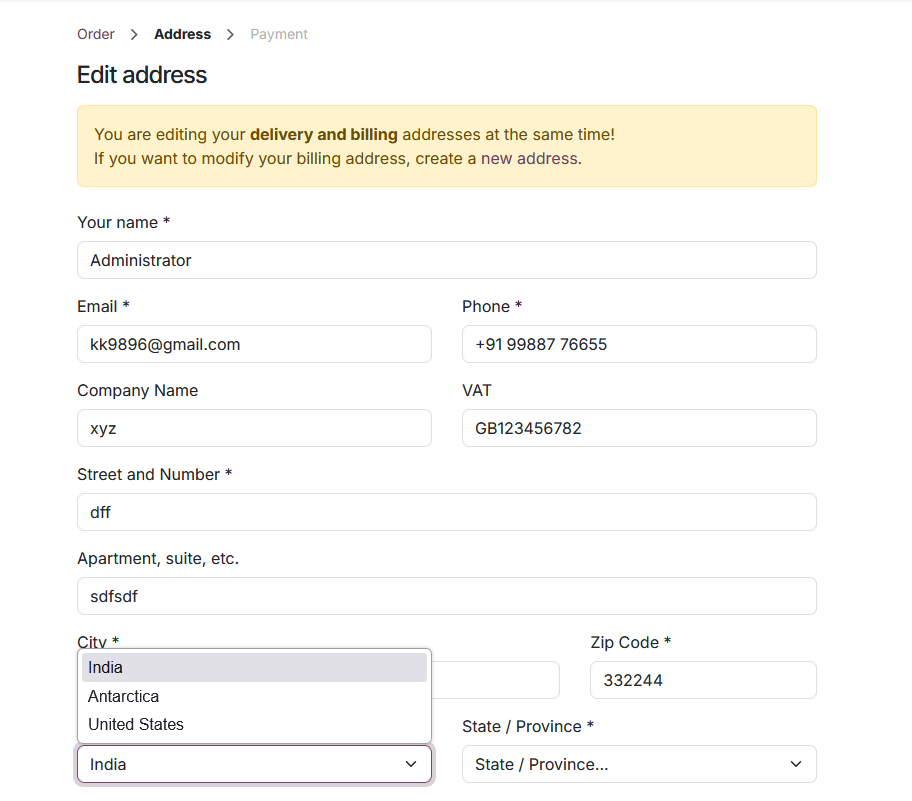
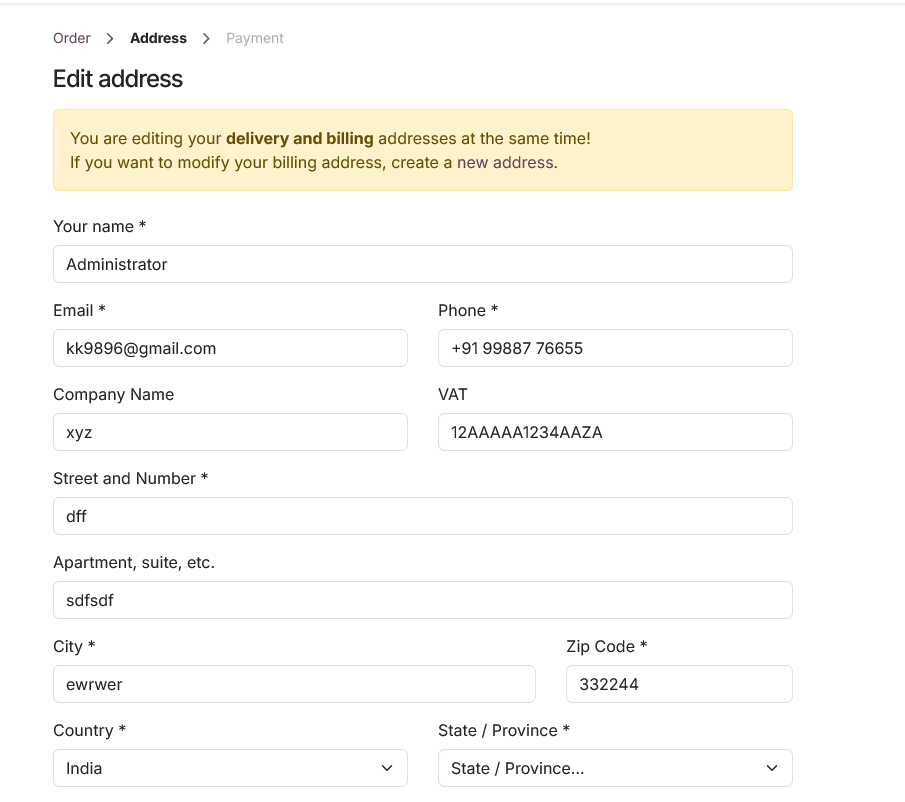
The Website Country Restriction plugin enables precise control over the countries available for selection in all address forms on your Odoo website—including billing, shipping, and customer profile forms. Odoo GeoIP Country Restriction is especially useful for businesses that operate in specific regions, helping to prevent users from entering unsupported countries during checkout or while updating their account information.
Intended Users
• Website Managers
• E-commerce Administrators
• Store Owners
Features
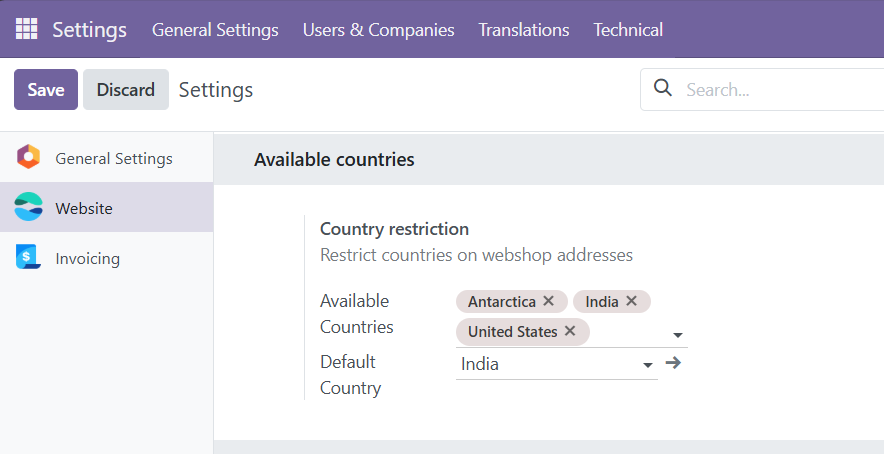
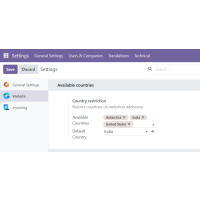
• Restrict Available Countries – Restrict country selection across all website address forms—including billing, shipping, and account-related addresses—to ensure customers can only enter addresses from supported regions. This helps prevent delivery issues and minimizes invalid or unsupported entries.
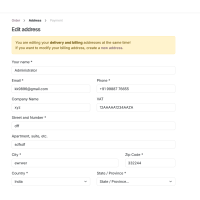
• Set a Default Country– Set a default country to be preselected in the country dropdown across all website address forms. This enhances user experience by reducing input effort and guiding users toward the most used or valid option.
What does the Website Country Restriction module do?
This module allows you control which countries are available for selection in all website address forms, including billing, shipping, and user profile addresses.
What happens if a user selects a restricted country?
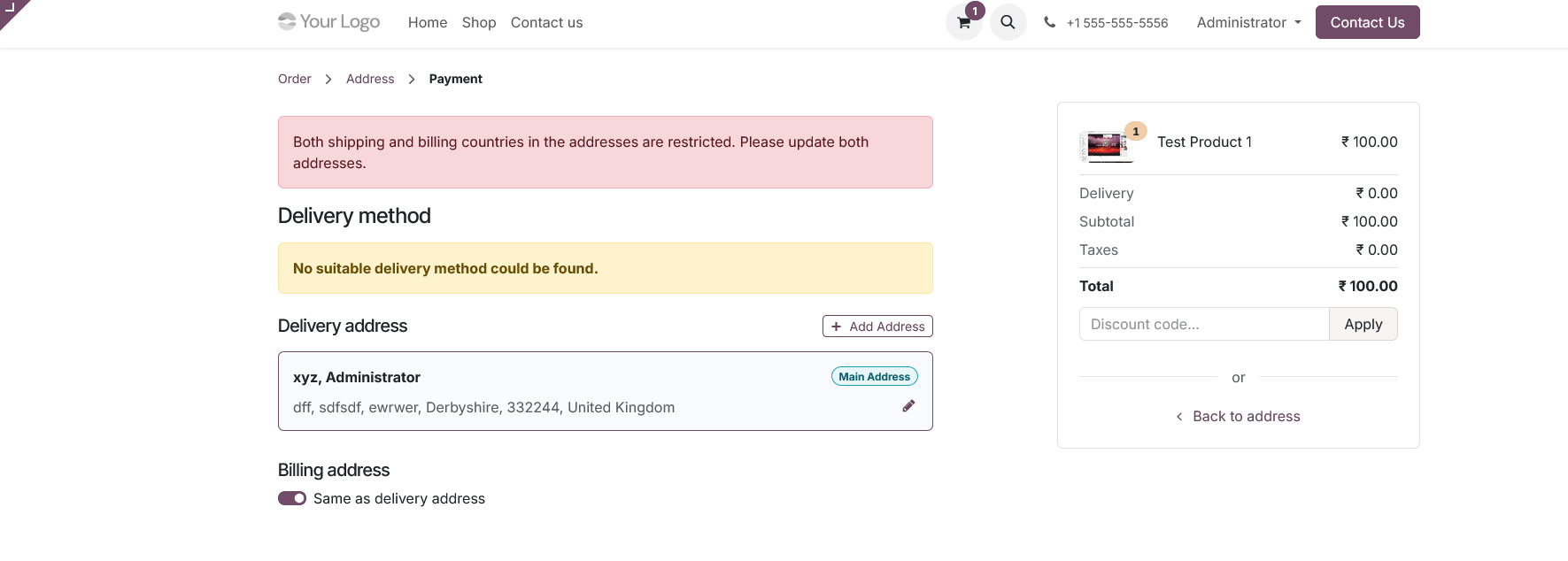
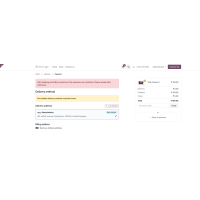
The system will block the order and display an error message, preventing checkout with unsupported shipping or billing countries.
Can I set different country restrictions for different websites?
Yes, if your Odoo instance uses multiple websites, the module supports configuring country restrictions separately for each one.
Will this affect existing customer addresses?
No. The restrictions only apply to addresses created after the module has been configured. Existing customer data will remain unchanged.
Where can I configure the allowed and default countries?
Go to Settings > Website > Shop - Checkout Process > Country Restrictions. You'll find dropdowns to select both Available Countries and Default Country.