

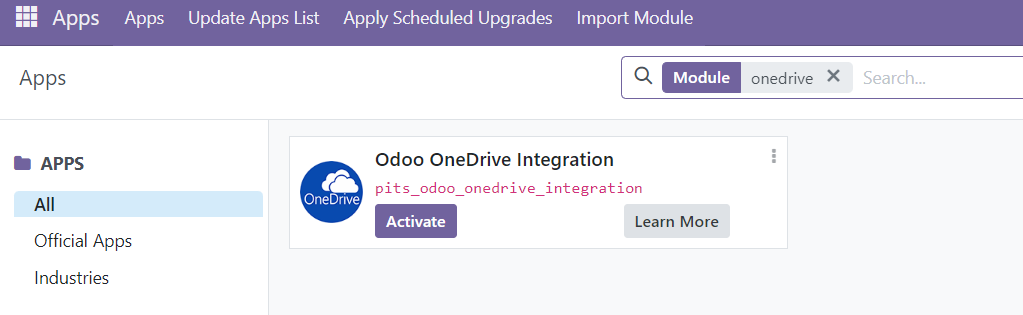
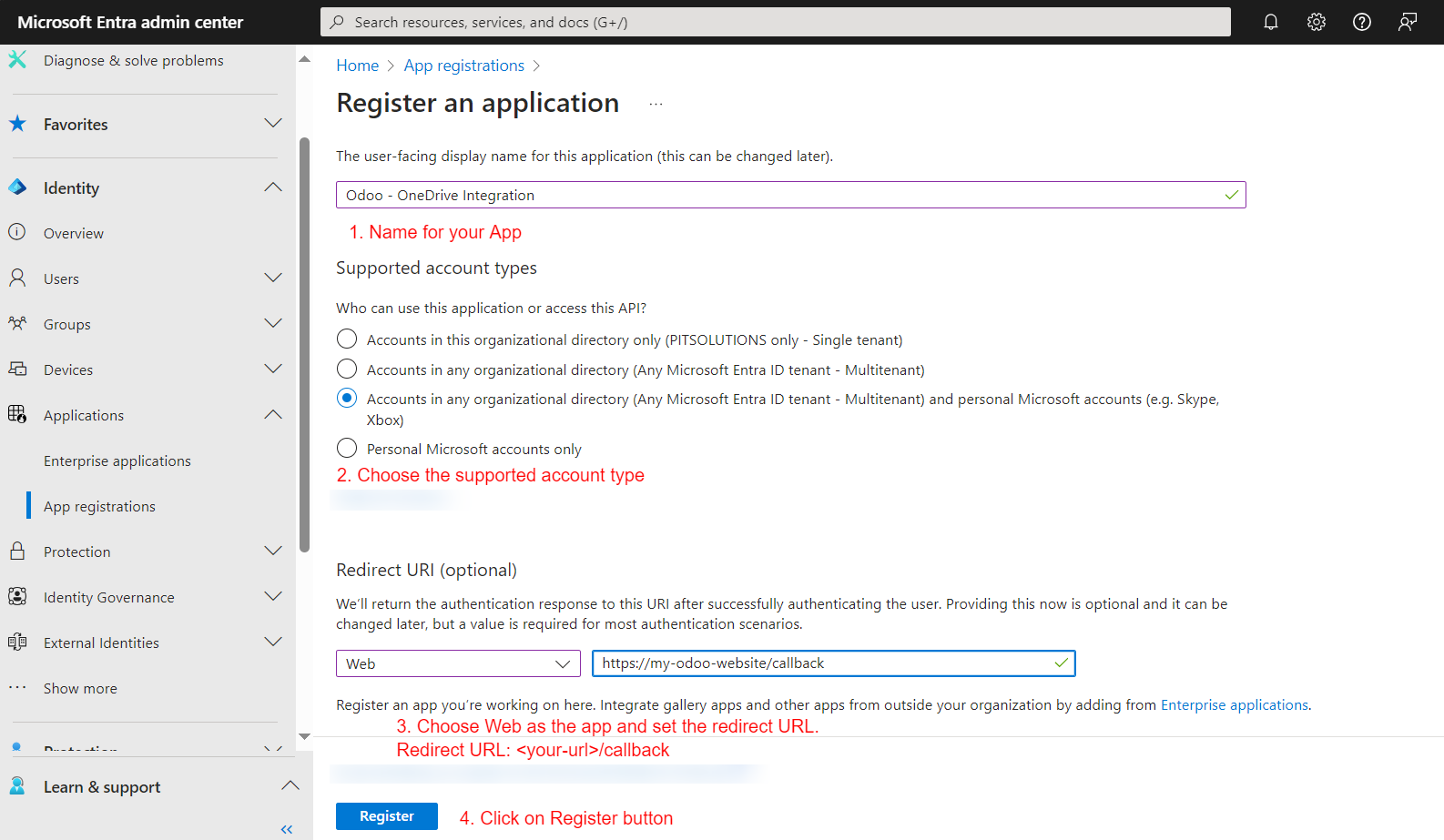

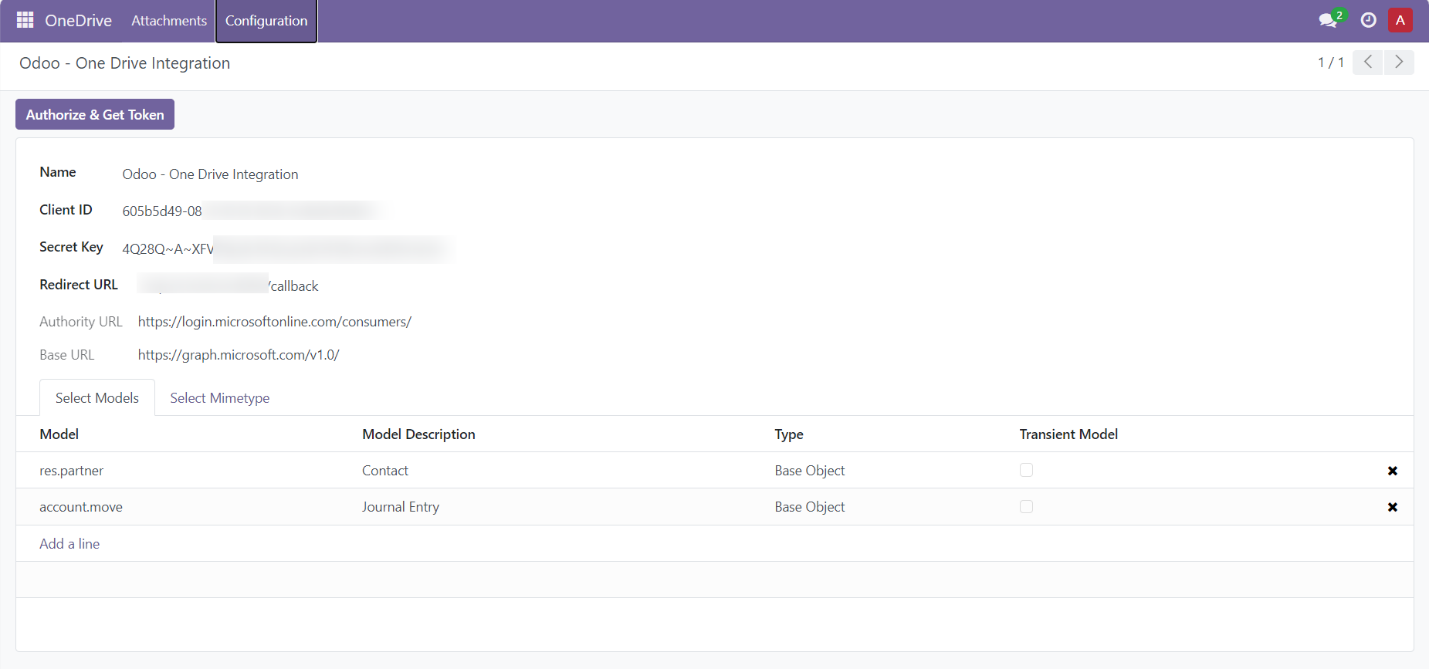
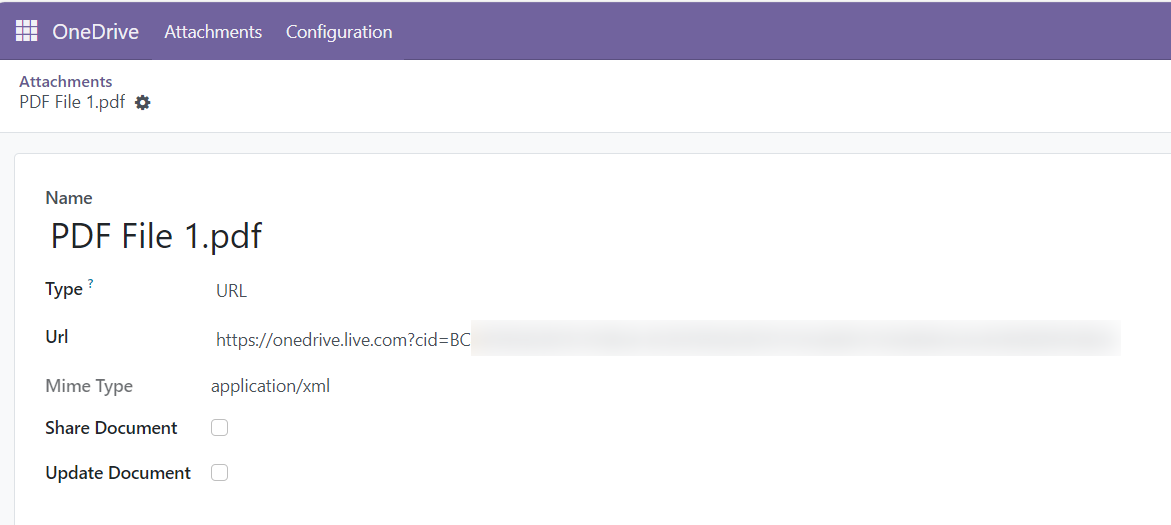
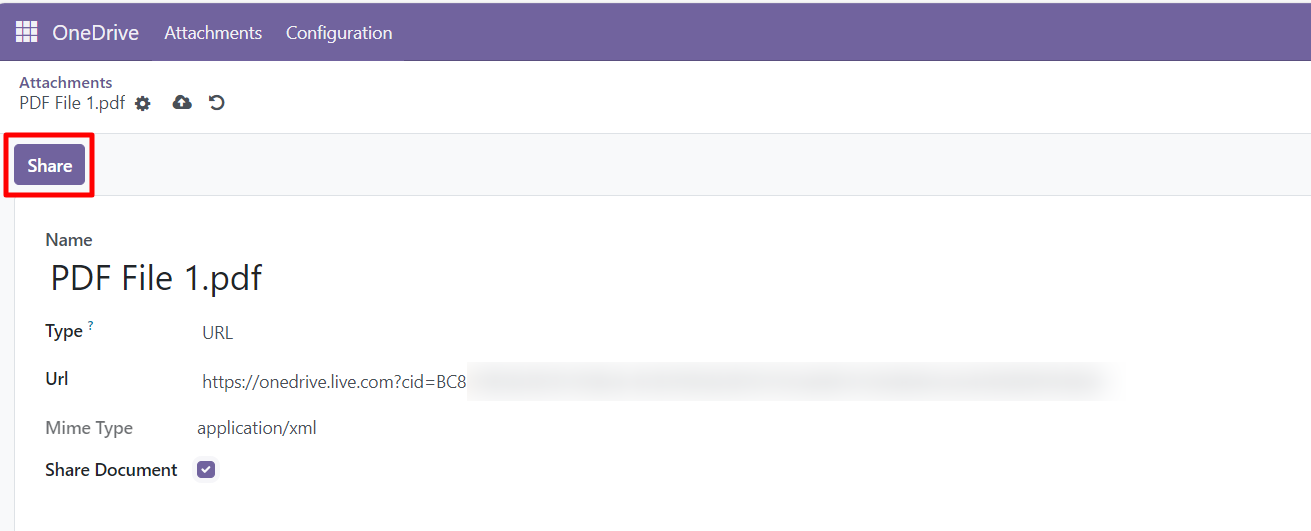
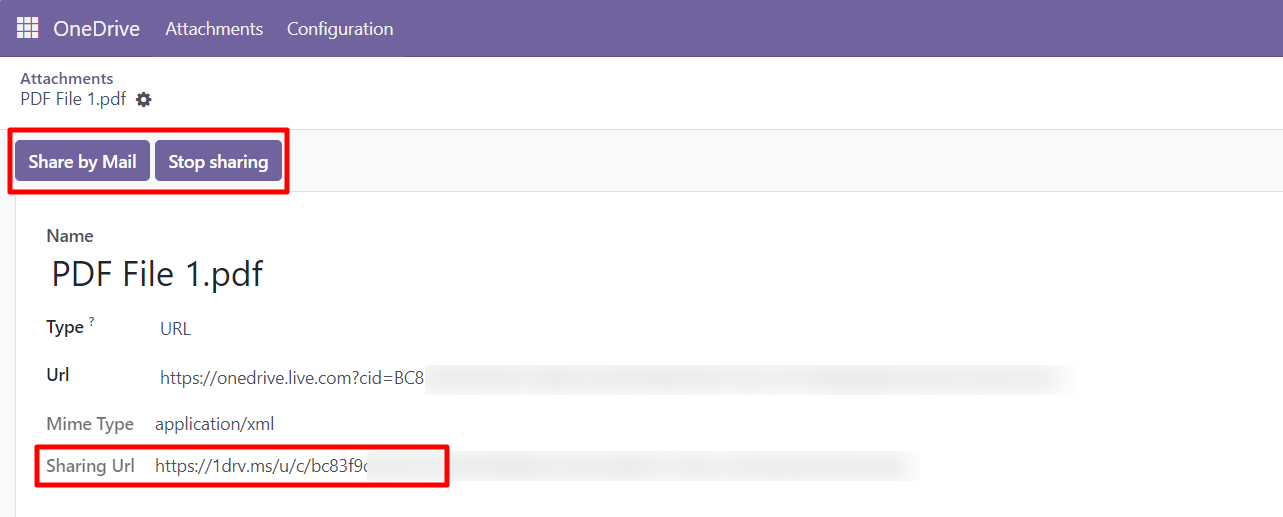
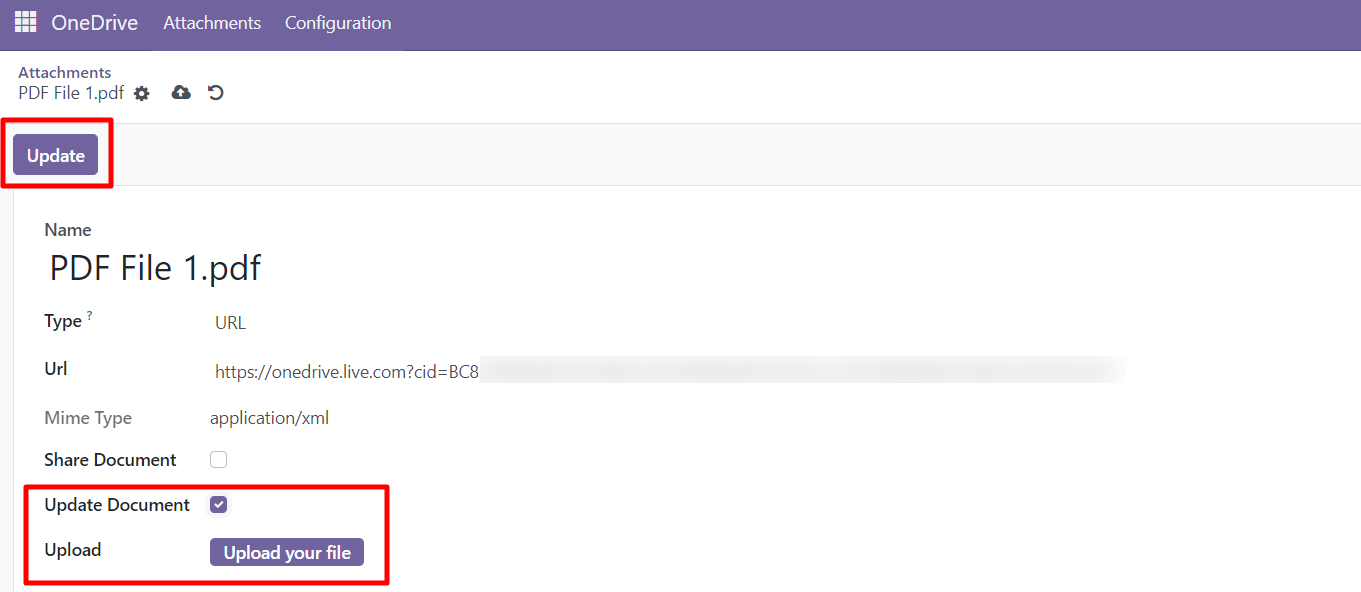

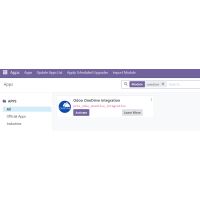

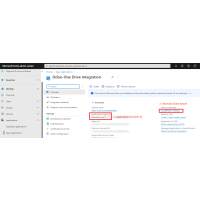

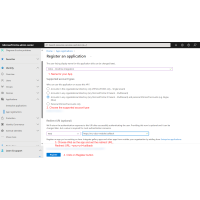
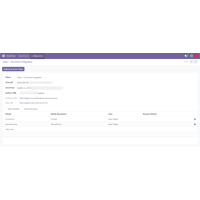
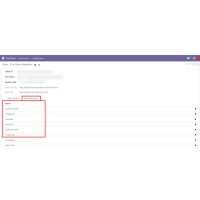
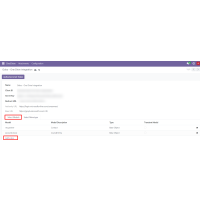
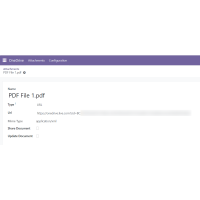
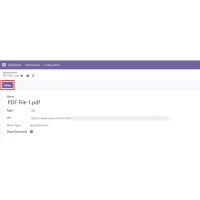
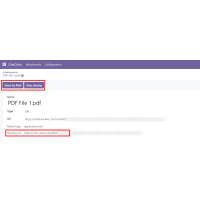
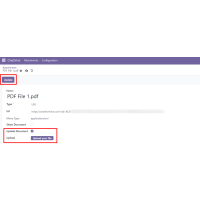


Odoo Onedrive integration extension provides a seamless solution for automatically storing Odoo attachments directly in OneDrive, ensuring easy access and enhanced data management. With this integration, you can securely share your Odoo-stored data with external parties via OneDrive, offering full control over document updates, deletions, and the ability to stop sharing at any time. This plugin simplifies document handling and improves collaboration while maintaining the security and integrity of your data.
Features
The Odoo OneDrive Integration module offers a wide range of features designed to enhance your document management experience. Key features include:
• Easy Installation: Simple and quick to set up within your Odoo environment.
• Flexibility: Adaptable to various business needs with configurable options.
• User-Friendly Interface: Intuitive and customizable to meet individual user requirements.
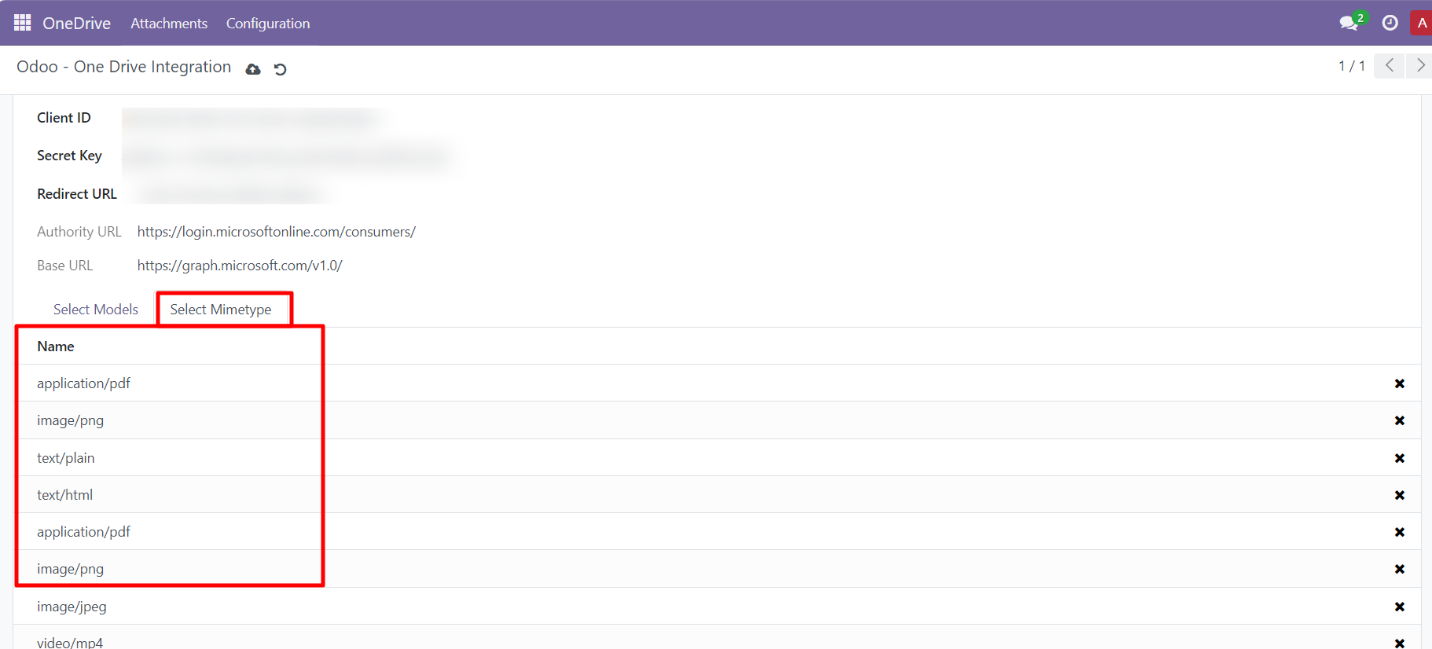
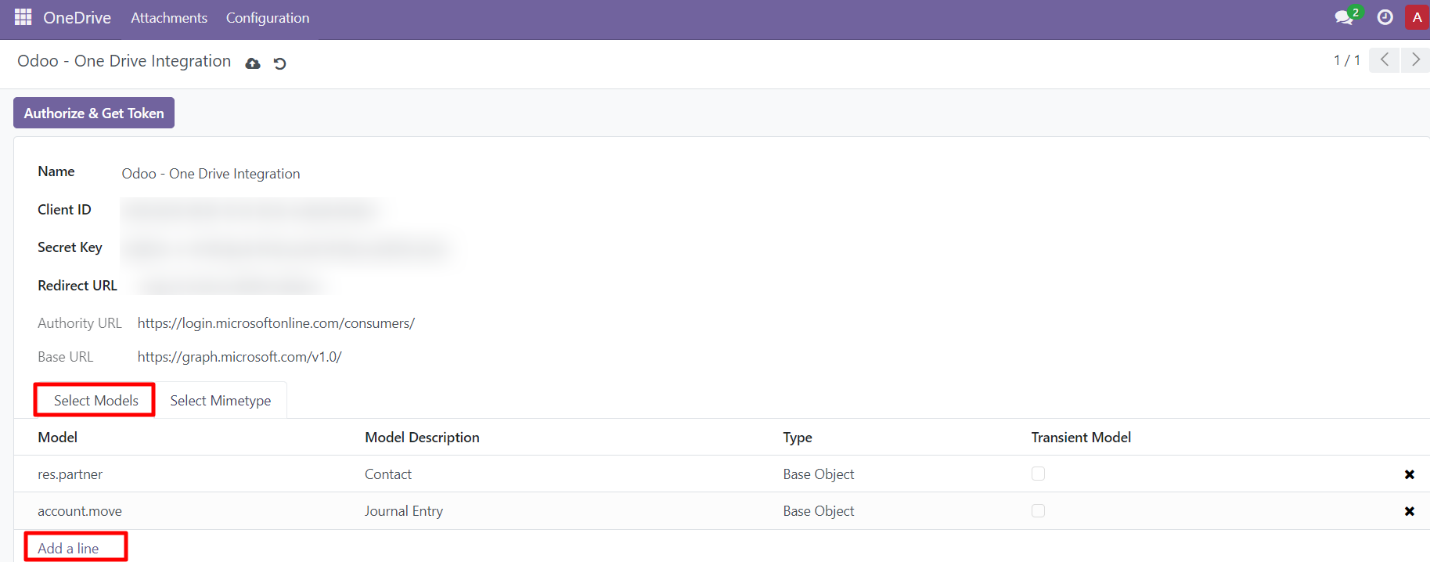
• Model and MIME Type Selection: Choose specific models and file types for document uploads.
• Enhanced Security: Ensures complete data security while maintaining accessibility.
• Secure OneDrive Environment: Microsoft OneDrive provides a highly secure space for storing and managing files.
• Effortless File Sharing: Share large files easily and securely without complications.
• Efficient File Management: Seamlessly manage, share, and organize files in OneDrive.
• Stop Sharing Functionality: Ability to stop sharing files at any point to maintain control over access.
• File Deletion: Easily delete files directly from OneDrive.
• Update Files: Make changes and update files while keeping them in sync with your OneDrive storage.


Version 1.1.0 June 2025
- Smarter File Upload Handling The system now verifies your OneDrive connection before performing file operations, eliminating errors from expired or invalid authentication.
- Redesigned Kanban View The attachment management interface features a cleaner, more modern Kanban layout, allowing you to: ▪ Quickly see all documents ▪ Distinguish shared and private files ▪ View document status and sharing details clearly ▪ Share and update files more efficiently
- Enhanced Error Handling Uploads are now automatically blocked if your OneDrive connection is inactive, ensuring operations proceed only when the connection is ready.
- Added Enterprise Compatibility
Version: 1.0.0: October 2024
- Initial version